Introduction
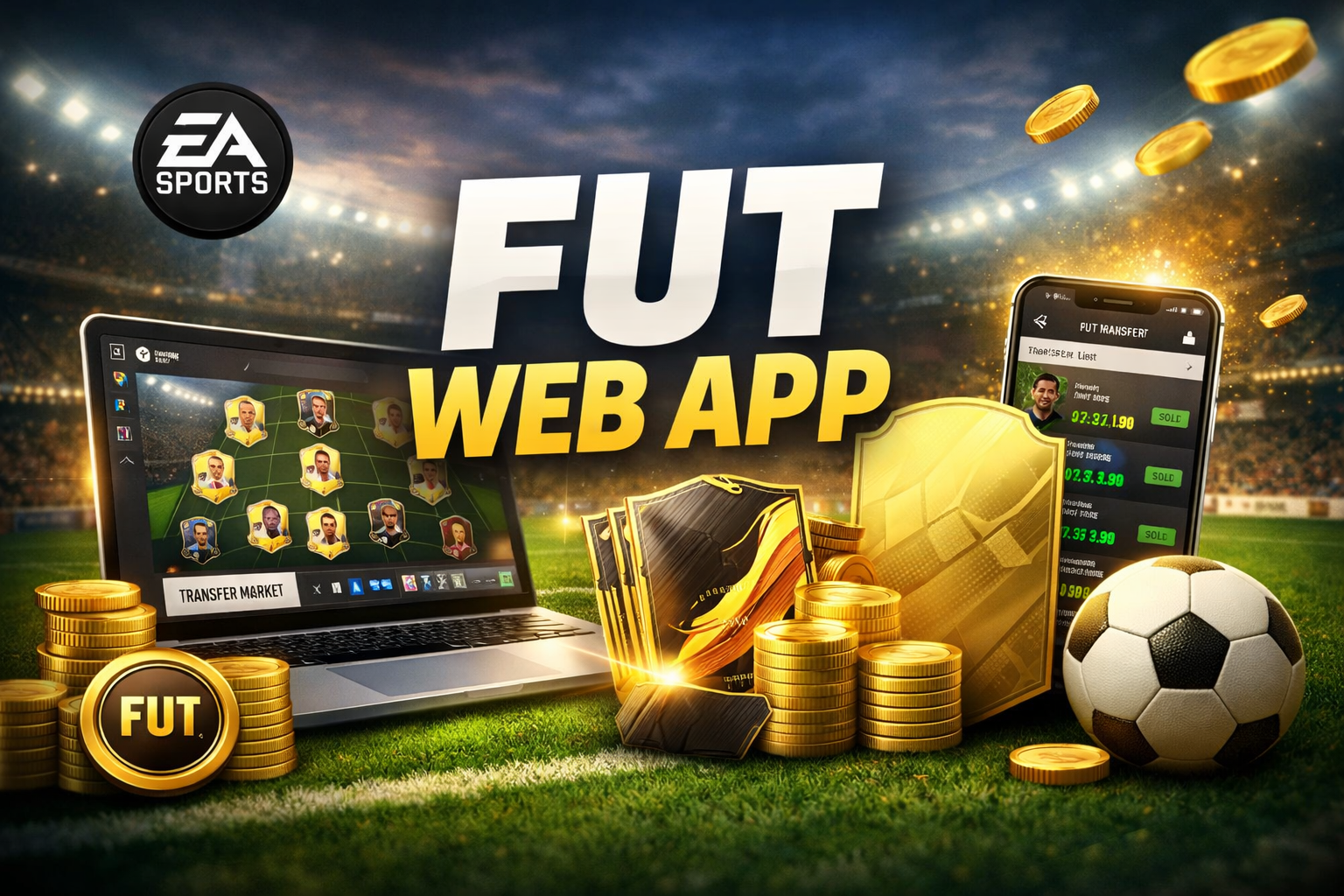
For millions of football gaming fans, Ultimate Team is more than a game mode it’s a daily routine. But logging into a console every time you want to check the transfer market or tweak your squad isn’t always practical. That’s where the FUT Web App comes in. Designed for speed, convenience, and control, it lets you manage your Ultimate Team from any browser, anytime.
In this guide, you’ll learn exactly what the FUT Web App is, how it works, why it matters, and how to use it effectively to gain a real edge. Whether you’re new to Ultimate Team or a seasoned trader, this article breaks everything down in clear, simple language.
What Is the FUT Web App?
The FUT Web App is an official online companion platform for FIFA (now EA Sports FC) Ultimate Team. It allows players to manage their clubs through a web browser without needing to launch the game on a console or PC.
With the web app, you can handle most day-to-day Ultimate Team tasks remotely. This includes squad management, trading players, opening packs, and completing Squad Building Challenges (SBCs).
Unlike third-party tools, the FUT Web App is directly connected to EA’s servers, meaning all actions sync instantly with your main account.
Why the FUT Web App Matters for Ultimate Team Players
The real value of the FUT Web App lies in its timing and accessibility. Many players use it daily, even when they can’t play actual matches.
Key advantages include:
- Immediate access during new game launches, often before full console access
- Faster navigation compared to in-game menus
- Real-time market access, which is crucial for trading
- Easy squad updates during breaks, commutes, or work hours
For competitive players, this convenience can translate into better squads and more coins over the season.
Key Features of the FUT Web App
Squad Management on the Go
The web app lets you build, edit, and optimize squads without turning on your console. You can apply chemistry styles, change formations, and manage player positions easily.
This is especially useful when preparing squads for upcoming challenges or weekend competitions.
Transfer Market Access
One of the most-used features is the transfer market. Players can:
- Search for cards using advanced filters
- Buy and sell players in real time
- Monitor price fluctuations throughout the day
Many successful traders rely almost entirely on the FUT Web App to flip players for profit, checking prices multiple times a day.
Squad Building Challenges (SBCs)
The web app makes SBC completion faster and more efficient. You can submit squads, preview requirements, and reuse players without dealing with slower in-game menus.
For example, during limited-time SBCs, quick submissions through the web app can save both time and coins.
Pack Management and Club Items
You can open packs earned through rewards, SBCs, or objectives directly in the web app. While pack animations are simpler, the contents are exactly the same as in-game.
You can also manage:
- Contracts and consumables
- Player fitness and healing items
- Club customization elements
FUT Web App vs FUT Companion App
Although often confused, these are two different platforms.
The FUT Web App runs in a browser on desktop or mobile. The FUT Companion App is a downloadable mobile application available on Android and iOS.
The core functionality is similar, but the web app typically offers:
- Faster performance on larger screens
- Easier multitasking for traders
- Better visibility for squad and market analysis
Many experienced players use both, depending on the situation.
How to Access the FUT Web App
Accessing the FUT Web App is straightforward:
- Sign in using your EA account
- Use the same credentials linked to your Ultimate Team profile
- Complete any required verification steps
New accounts or inactive profiles may face temporary market restrictions until enough gameplay activity is completed on the main game.
Market Restrictions and How to Unlock Full Access
EA applies transfer market restrictions to prevent abuse and bot activity. If you’re new or returning after a long break, you might see limited features.
To unlock full access:
- Play matches regularly on console or PC
- Complete objectives and SBCs
- Maintain account security with verification
Most players unlock full functionality within a few days of active play.
Trading Strategies Using the FUT Web App
The web app is a powerful tool for building coins without playing matches.
Example: Daily Gold Trading
A common strategy involves buying popular gold players during low-demand hours and selling them when demand rises.
For instance, player prices often drop early in the day and rise during SBC releases. Monitoring this cycle through the web app can lead to steady profits over time.
SBC Investment Opportunities
When new SBCs are released, certain player types increase in value. Having quick access through the FUT Web App allows you to buy needed cards before prices spike.
This speed advantage can make a noticeable difference in your club’s overall value.
Security and Account Safety
Because the FUT Web App is linked directly to your EA account, security matters.
Best practices include:
- Enabling two-factor authentication
- Avoiding third-party trading tools
- Logging out on shared devices
EA actively monitors unusual activity, so staying within official platforms helps protect your club and coins.
Common Limitations of the FUT Web App
While powerful, the web app isn’t a full replacement for the main game.
You cannot:
- Play matches
- Complete live gameplay objectives
- Access certain visual customization features
It’s designed for management, not gameplay, and works best as a companion rather than a standalone experience.
Real-Life Use Case: Busy Players Staying Competitive
Many working professionals and students rely on the FUT Web App to stay competitive. Checking the market during lunch breaks or adjusting squads between classes keeps their teams progressing even with limited playtime.
Over a full season, these small daily actions can lead to stronger squads without extra hours of gameplay.
Future of the FUT Web App
EA continues to refine its companion platforms each year. Recent updates have focused on performance, interface clarity, and market stability.
As Ultimate Team evolves, the FUT Web App is likely to remain a central part of the ecosystem, especially as players expect more flexibility and mobile-friendly experiences.
FAQs About the FUT Web App
What is the FUT Web App used for?
The FUT Web App is used to manage your Ultimate Team, trade players, complete SBCs, open packs, and organize squads without using a console.
Is the FUT Web App free to use?
Yes, it is completely free for anyone with an EA account and an active Ultimate Team profile.
Can I trade players only using the FUT Web App?
Yes, many players trade exclusively through the web app, though market access may be restricted initially for new accounts.
Why is my transfer market locked on the web app?
Transfer market access is usually locked due to inactivity, a new account, or security checks. Playing matches and enabling account verification typically resolves this.
Is the FUT Web App safe?
Yes, it is an official EA platform. As long as you use strong security settings and avoid third-party tools, it is safe.
Conclusion: Why You Should Use the FUT Web App
The FUT Web App is an essential tool for any serious Ultimate Team player. It saves time, improves efficiency, and opens up new ways to build coins and squads without being tied to a console.
If you want to stay competitive, react faster to market changes, and manage your club like a pro, using the FUT Web App consistently is a smart move. Log in daily, stay active, and let small actions add up to big advantages over the season.